Settlement Pending
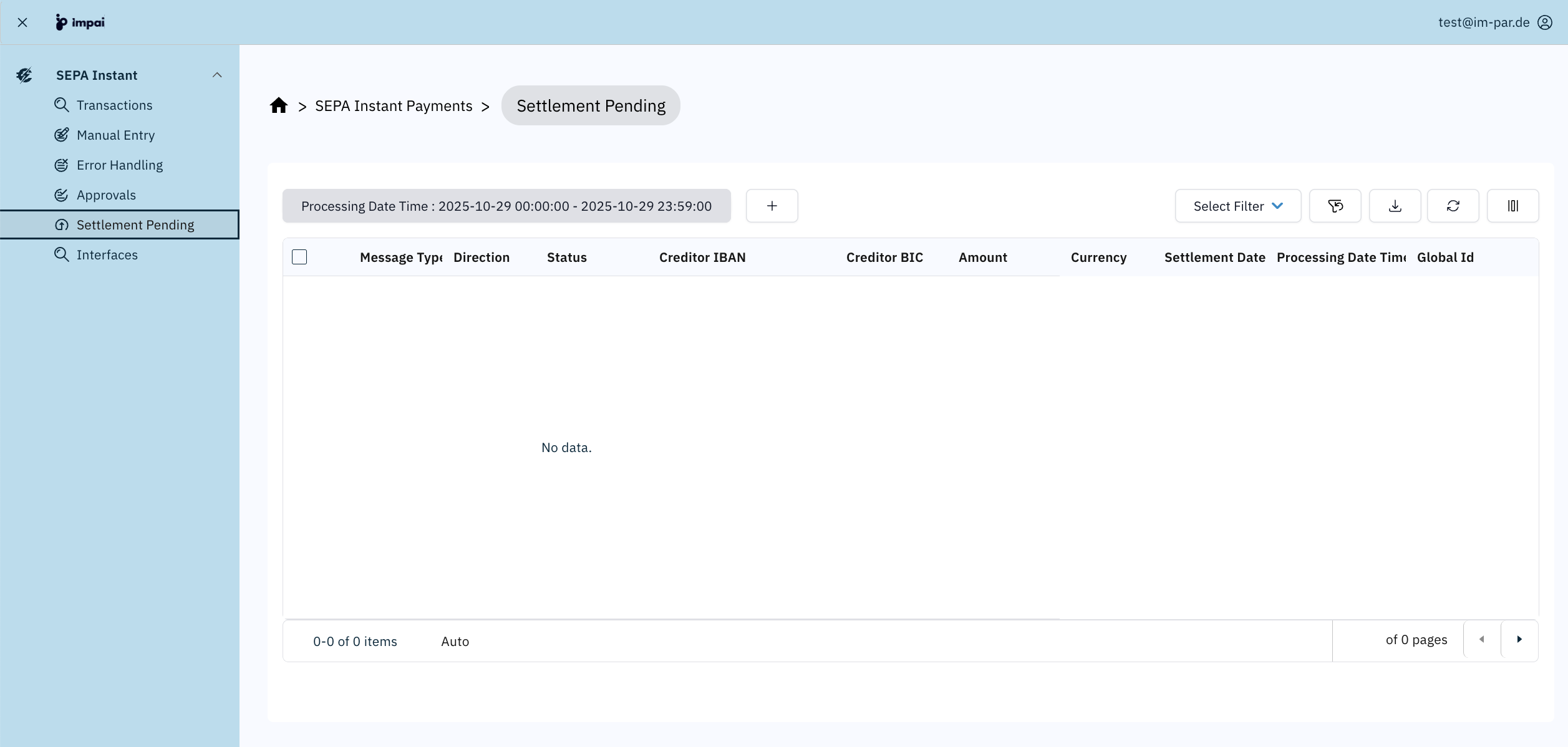
The Settlement Pending screen shows those transactions awaiting settlement for the messages within the SEPA Instant Payment processing domain as processed by the system. It allows users to monitor the processing results, check settlement information, and export transaction data for reporting or analysis.
note
This page focuses only on SEPA Instant–specific features of the Settlement Pending screen.
If you need more context, the following topics may help.
Understand the full capabilities of the Settlement Pending screen across all payment areas:
Learn about the generic controls used across all table views:
Typical Workflow
- Filter
Expected Settlement Date = Today. - Sort by
Cutoff Time asc. - Investigate overdue settlements.